How do I create final billings?
Calculate billings for metered and non-metered services.
Use Create Final Billings to use the final meter reading to calculate the final billed amount for the account. Use Metered to record final meter readings for metered services. Use Automatic to calculate automatic billings for services. Use Manual to enter a billing that was created as a single, or one-off, bill.
This part of the steps to Enter Final Bills. See the help topic titled How do I enter final bills?
Calculating final billings for metered and non-metered services
If you're pressing Enter to move from one field to the next, after you enter a "Reason", the routine will calculate metered final billings. If you're using a mouse to move to the next field, click the Metered button to continue.
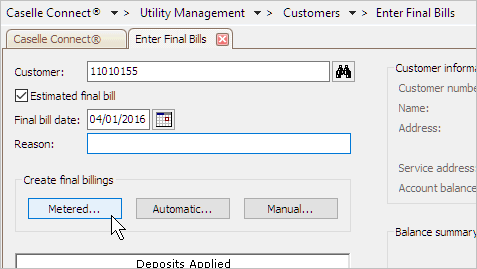
Connect launches the Enter Meter Readings routine. Use the form to enter the final meter readings for each metered service.

You can see the recorded read and usage in the grid.

When you're done enter final meter reads, you'll be prompted to save and close.
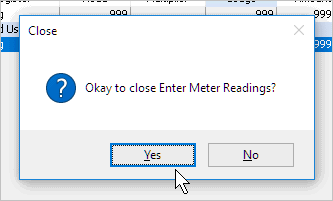
Click Yes to continue. The Enter Final Bills form displays again with the Automatic button selected.

Press Enter again to run Calculate Automatic Billings.
The Calculate Automatic Billings routine launches. Click Yes to calculate automatic billings for the customer being final billed.

When the Finished dialog box displays, click Yes. The routine calculates billings for non-metered services.
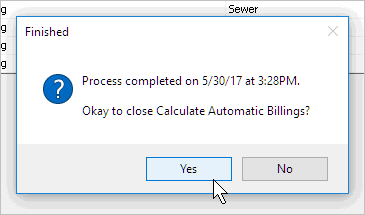
You're done. Finish entering the final bill as usual.
Manually calculating final billings
Click the Manual button.

Connect launches Enter Manual Billings. Enter the Amount column to record the billing amount for metered and non-metered services.

Click Save (CTRL+S) to save the manual billing. Connect returns you to the Enter Final Bills form. Now, finish the Final Bill as usual.
Copyright © 2025 Caselle, Incorporated. All rights reserved.