How do I add an approval process?
Approval Process
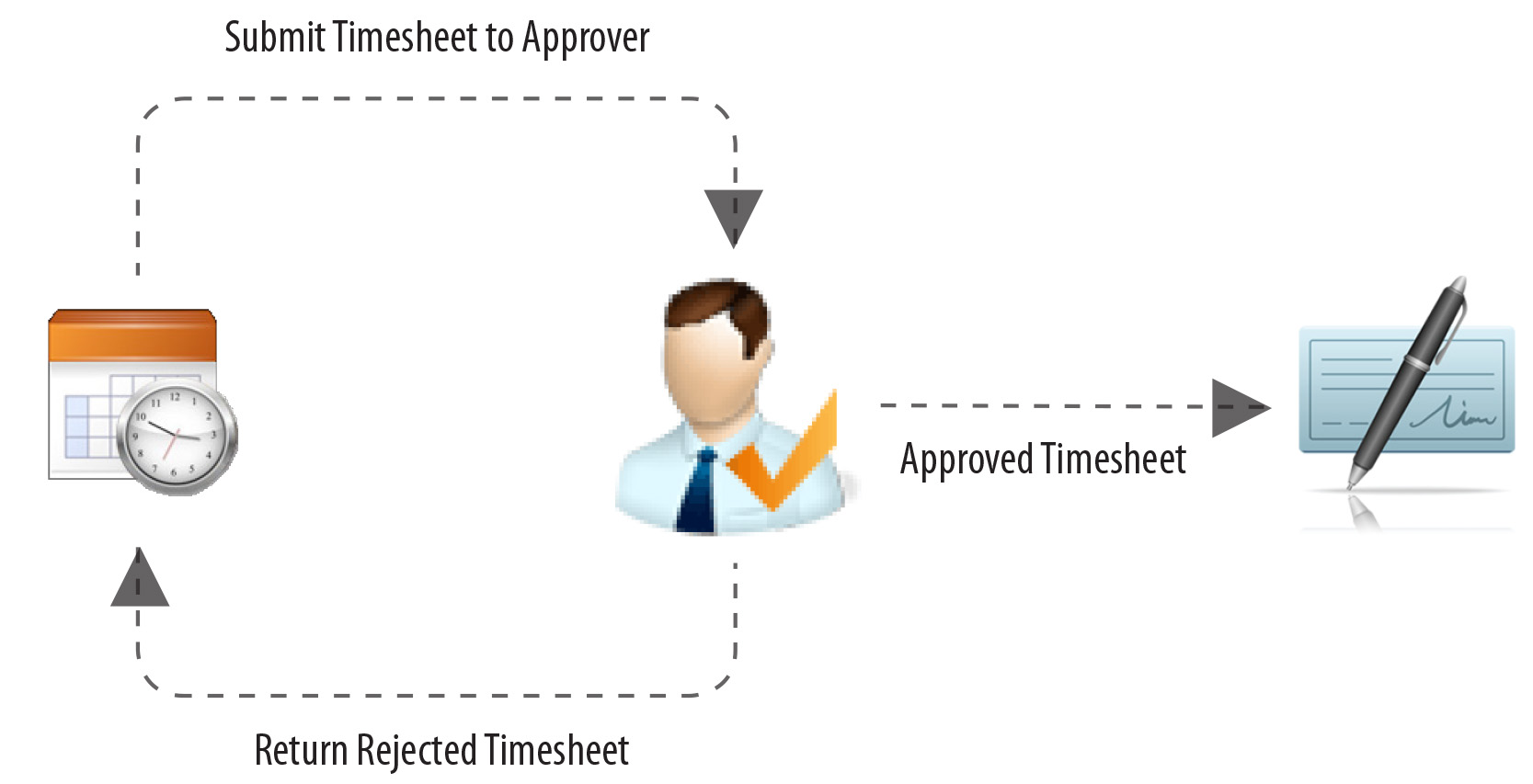
Connect can route employee timesheets through an approval process where approvers can review the employee timesheet details and then approve or reject it. When a timesheet is approved, the timesheet moves to the Payroll application to process the employee's paycheck. On the other hand, the system will return a timesheet that is not approved to the employee. And then, the employee can make the necessary revisions to the timesheet and resubmit the timesheet for approval.
The approval process allows managers to find errors on timesheets before it's time to process the payroll.
Adding an approval process
1. Open Connect Timekeeping > Organization > Approval Processes.
2. Click New (CTRL+N).
3. Enter the Approval Process.
Pick a name that describes the approval process.
4. Press Enter.
The approval process is saved and the Approval Steps tab opens for editing.
Copyright © 2025 Caselle, Incorporated. All rights reserved.