How do I set up a proxy to fill in department timesheets?
Employee Positions
Set up a proxy to fill in employee timesheets in a department when the employee is not available. The proxy can use Connect Online to add time entries to the employee's timesheet and then submit it.
Contents
Before you get started
-
Set up the department to allow proxy for employee timesheets. See the help topic titled How do I set up a department to allow proxy for employee timesheets?
Setting up a proxy for department timesheets
1. Open Connect Timekeeping > Employees > Modify Existing Employees.
2. Look up the employee record.
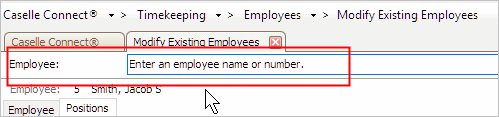
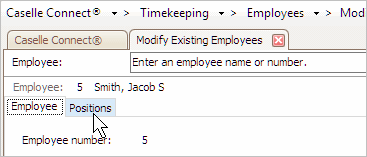
3. Click the Positions tab.
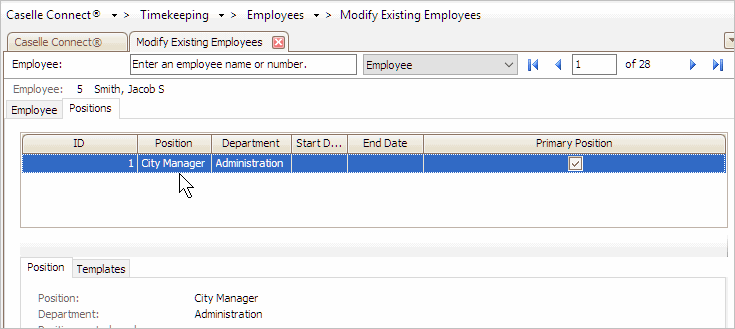
4. Select a position from the table on the Positions tab.
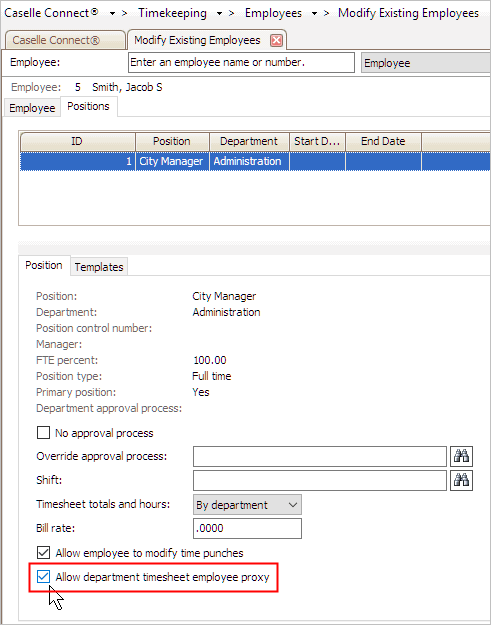
5. Click to select the checkbox titled Allow Department Timesheet Employee Proxy.
6. Click Save (CTRL+S).
The employee is set up as a proxy for department timesheets.
Copyright © 2025 Caselle, Incorporated. All rights reserved.