How do I print a leave report?
Leave Report
Use the Leave Report to Print the leave report by pay code. The Leave Report shows the employee’s beginning leave time balance, hours accrued, hours used, hours remaining, outstanding liability, and leave time rate.
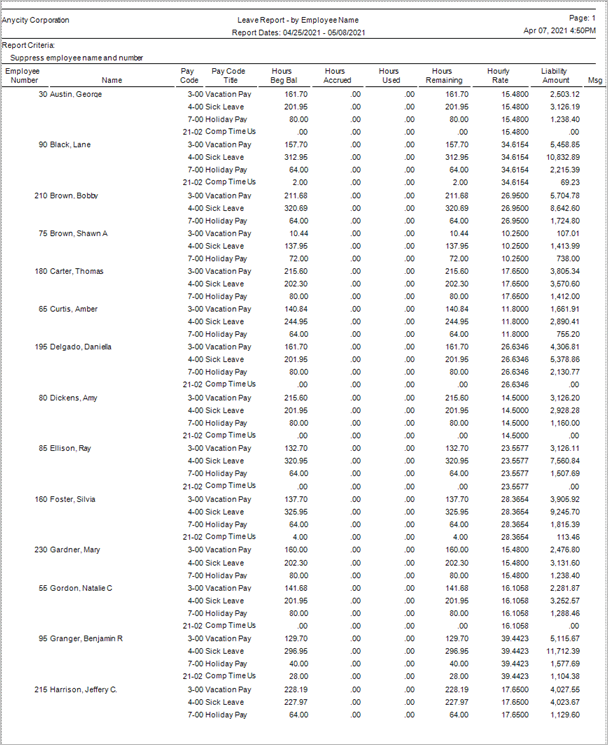
Leave Report by Employee Name
Printing a leave report
1. Open Connect Payroll > Reports > Leave Report.
2. Set up the report date range.
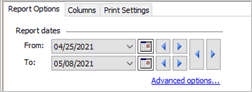
Report Dates
How do I change the report date range?
How do I change the date type?
How do I change the date type?
How do I prompt a user to enter a date?
3. Set up the report options.
Suppress repeated employee names and numbers
4. Click Print  (CTRL+P).
202108, 2021Apr07
Copyright © 2020 Caselle, Incorporated. All rights reserved.