What is Whole Dollar mode?
Whole dollar mode is a setting that rounds all monetary amounts to the nearest whole dollar, removing cents from all transactions, reports, and data entry fields.
Why it's important
-
Simplicity in reporting. Makes reports easier to read and interpret. Commonly used in high-level summaries where precision to the cent isn't necessary.
-
Speed and efficiency. Reduces data entry complexity for large volumes of transactions where rounded figures are acceptable.
-
Compliance or policy requirements. Some organizations require reporting in whole dollars for consistency or regulatory purposes (for example, certain tax or funding reports).
Example
In Whole Dollar mode, entering 26 is entered as 26.00. When Whole Dollar Mode is turned off, entering 26 is entered as 00.26
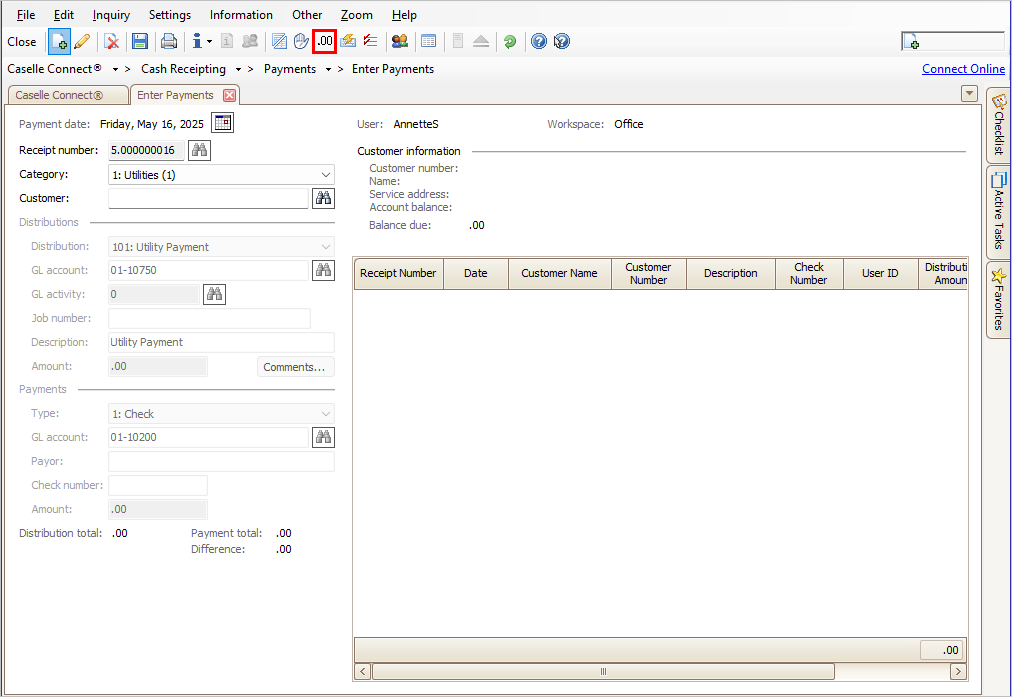
To turn on Whole Dollar mode, click  .
.
Copyright © 2025 Caselle, Incorporated. All rights reserved.