How do I print license transactions?
Print license transactions grid in Inquiry.
Send what you see in the grid on the License Transactions tab in Inquiry to the printer.
Watch a video
Updated 06Feb2018
Printing license transactions grid in Inquiry
1. Open Connect Business License > Inquiry.
2. Navigate to the License Transactions tab.
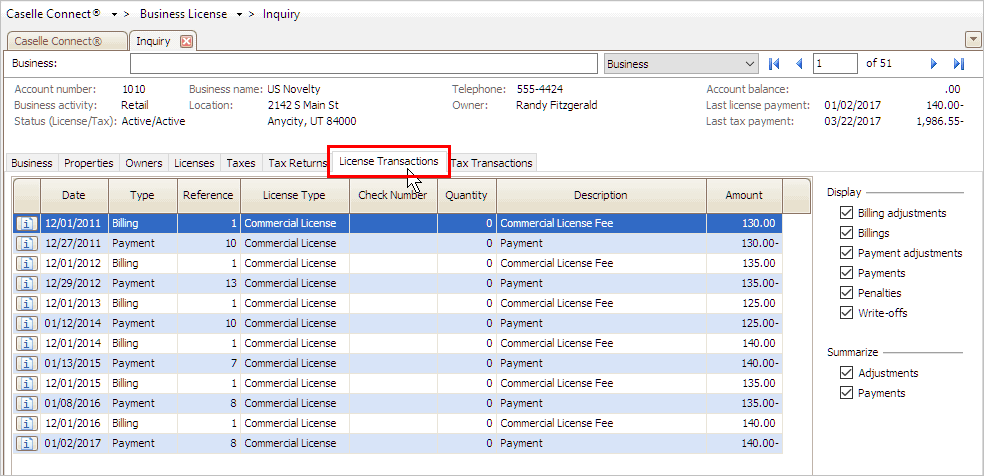
3. Click Print (CTRL+P) or click the Print button on the toolbar and then select Print Grid.

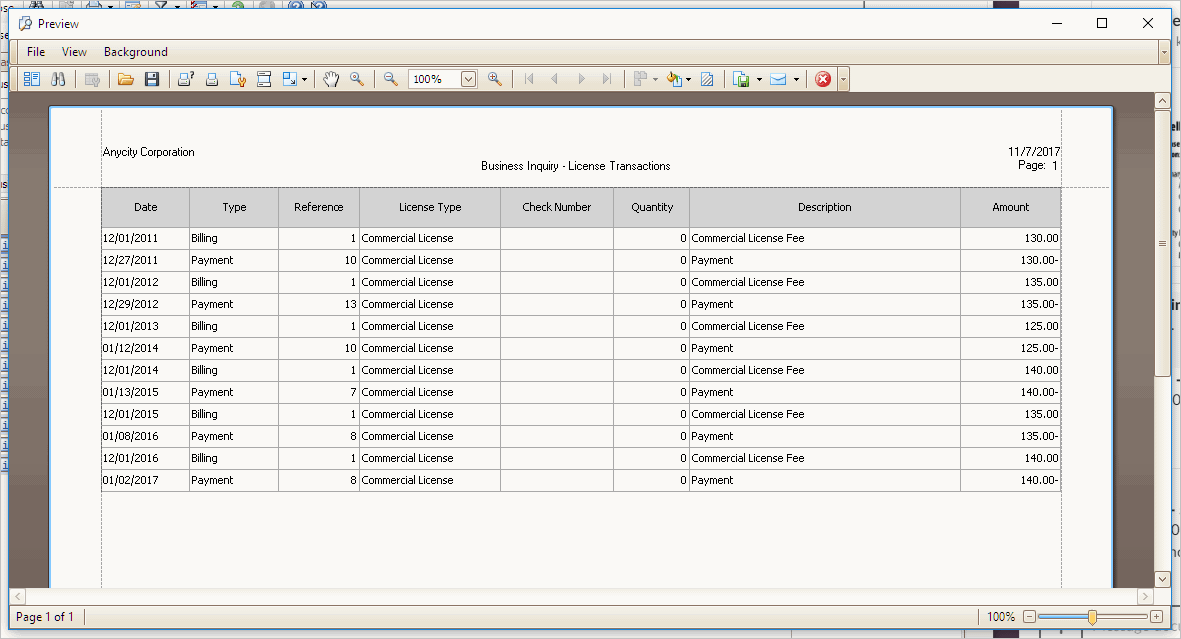
The report preview pane shows the transactions that displayed in the License Transactions grid.
Published 07Nvo2017
Copyright © 2025 Caselle, Incorporated. All rights reserved.