Step 1. Run Checkout (Optional)
2022 Accounts Payable Year-end Checklist

Verify all invoice and check transactions have been posted to Connect General Ledger. Running Checkout will not affect 1099 balances. [MP4]
How do I run Checkout?
1. Open Connect Accounts Payable > Invoices and Payments > Checkout.
2. Click to select the checkbox titled Verify Transactions Have Been Updated to General Ledger Through [12/YY (12/31/YYYY)].
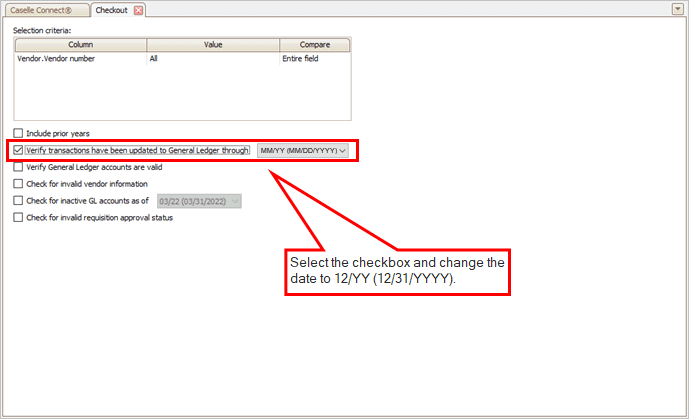
Verify transactions have been updated to General Ledger checkbox
3. Click GO  (CTRL+G).
The Checkout error report lists invoice and check transactions that have not been posted to the General Ledger. Use the Checkout error report to update unposted invoice and check transactions to the General Ledger.
To learn how to update transactions, see the help topic titled How do I update the general ledger? and How do I update pending invoices to General Ledger?
202211, 2022Nov22
Copyright © 2020 Caselle, Incorporated. All rights reserved.