How do I save a report as a PDF?
Save a report as a PDF.
A PDF is a commonly used file type that allows the end user to view a document such as a report but does not allow them to make any changes to the document content.
Saving a report as PDF
1. Open a report and click the Print Settings tab.
2. Click to select the checkbox titled Save As.

Save As checkbox
3. Click the Save As tab.
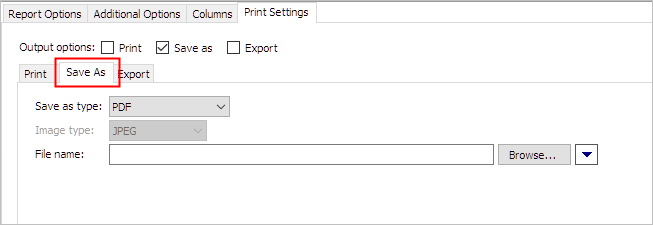
Save As tab
4. Select PDF as the Save As Type.
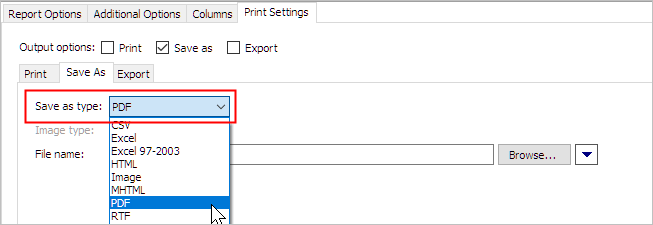
Save as type
5. Enter the File Name.
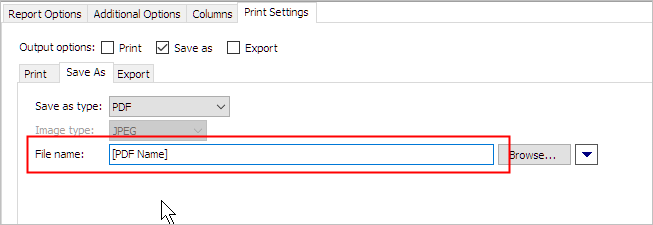
File name
6. Click Print (CTRL+P).
The report is saved as a PDF.
15Aug2017
Copyright © 2025 Caselle, Incorporated. All rights reserved.