How do I add a bank?
Banks
Add a bank from the master bank table in System Management for use in General Ledger. General Ledger has its own Bank table. If you will be using bank information in General Ledger, you will need to add the bank to General Ledger's Bank table.
Before you get started
-
Create a new record for the bank in System Management. See the help topic titled How do I add a master bank record?
Adding a bank to General Ledger
1. Open Connect General Ledger > Organization > Setup/Modify Banks.
2. Click New  (CTRL+N).
3. Click to select the Search button at the end of the Bank field.

Bank, Search button
4. Click to select the name of the bank to add to the General Ledger application.
The Search window displays a list of all of the banks in the master Bank table in System Management (Setup/Modify Banks).
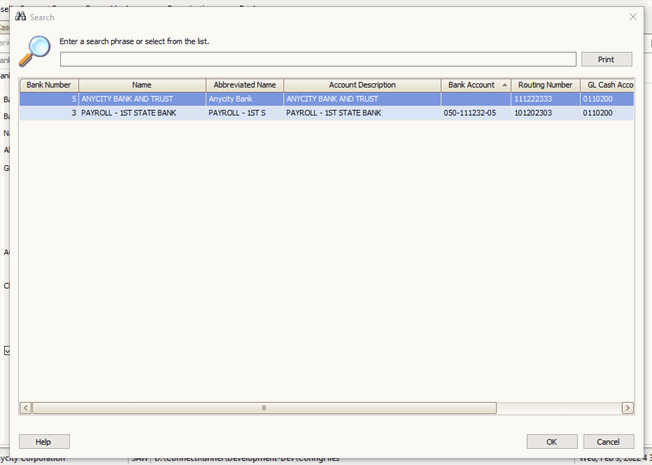
Search window
5. Click OK.
Connect displays the bank's information.
6. Click Save  (CTRL+S).
The master bank record has been added to the bank table in General Ledger.
202202, 2022Feb09
Copyright © 2025 Caselle, Incorporated. All rights reserved.